

Best AI App Builders Compared
A factual comparison of the best AI app builders for non technical teams, including what each one is best at.
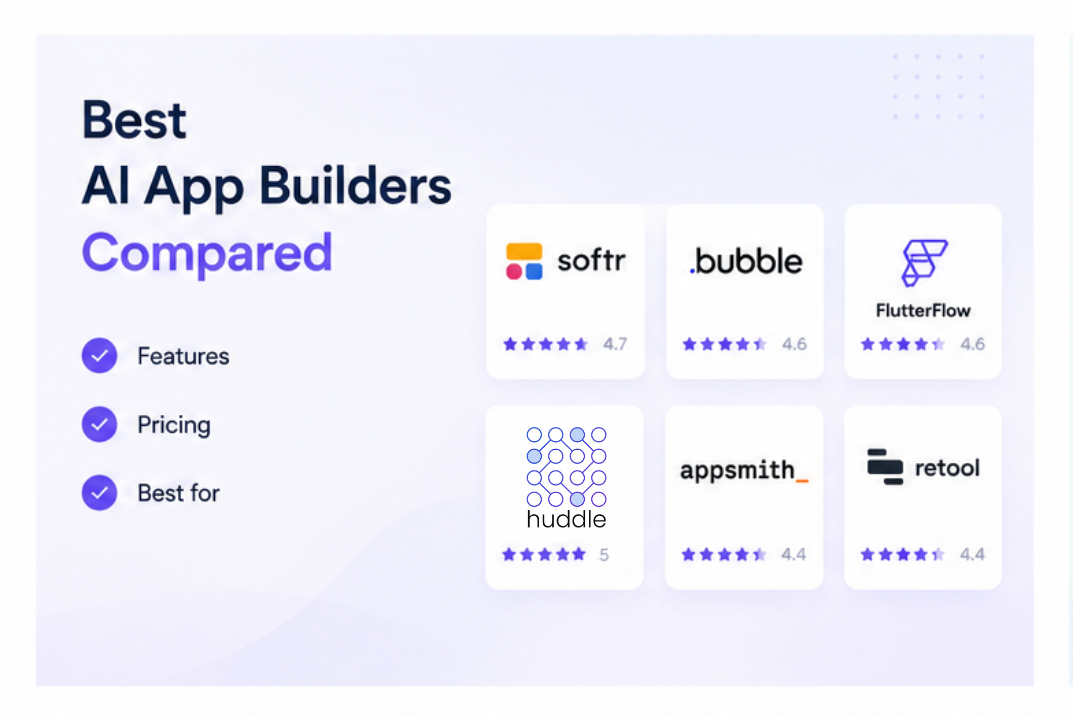
The AI app builder market in 2026 has split into four distinct categories: frontend generators that produce code from prompts, no code platforms that have added AI features, internal tool builders designed for teams with existing data, and enterprise platforms built for large organizations. Picking the wrong category is a more common mistake than picking the wrong tool within a category. This guide breaks down what each category is for and which platforms belong where.
What Is an AI App Builder
An AI app builder is a platform that uses artificial intelligence to help people create working applications faster than traditional development allows. This can mean generating code from a natural language prompt, suggesting components based on a data structure, or building out a full database and interface from a description. The common thread is that AI handles a significant part of what would otherwise require a developer.
The Four Categories of AI App Builders in 2026
Category 1: Frontend Generators (Prompt to Code)
These platforms generate working code from natural language prompts. The output is real, deployable code, often React or HTML, which can be taken to any hosting environment.
Best for: Developers, technical founders, and teams building custom web applications or MVPs who want to accelerate the first draft.
Not ideal for: Non-technical teams who need a reliable, maintainable tool with no ongoing developer involvement.
Key platforms: Lovable, Bolt.new, Cursor, v0, Replit
What to know: Pricing for these platforms often involves credit-based systems where a flat monthly fee buys a fixed number of prompts or interactions. Real-world usage on complex projects can burn through credits faster than the headline pricing suggests.
Category 2: No Code Platforms With AI Features
These are established no code platforms that have added AI-assisted features, such as generating layouts from prompts, auto-configuring workflows, or suggesting data structures. The underlying product is still a visual no code builder, the AI accelerates parts of the setup.
Best for: Business teams and non-technical users building internal tools, portals, dashboards, and data-driven apps from existing data sources.
Not ideal for: Teams needing custom code output they can export and deploy independently.
Key platforms: Bubble, Softr, Glide, Huddle
What to know: These platforms generally keep the data and application running inside their own infrastructure. Portability varies. Bubble and Softr do not export code. Glide is tied closely to spreadsheet data sources. Huddle connects to existing data sources without requiring migration or data to live inside the platform.
Category 3: Internal Tool Builders
These platforms are built specifically for connecting to existing databases, APIs, and enterprise systems and building internal dashboards, admin panels, and approval tools on top of them. They typically require more technical knowledge than Category 2 platforms.
Best for: Developer-led teams building admin panels, ops consoles, and support tools on top of existing databases and APIs.
Not ideal for: Non-technical business teams who need to build and maintain tools independently.
Key platforms: Retool, Appsmith
What to know: Retool pricing starts at $10 per user per month, which can add up fast for growing teams. The platform's strengths are its data connector depth and enterprise features like SSO, audit logs, and Git integration, not its ease of use for non-technical teams.
Category 4: Enterprise Platforms
These platforms are built for large organizations and typically include governance, compliance, and administration features at a level that smaller teams don't need.
Best for: IT-governed enterprise deployments where security, compliance, and scale are primary requirements.
Not ideal for: Small and mid sized teams who need a working tool quickly without enterprise procurement and setup.
Key platforms: Microsoft Power Apps, Salesforce Platform
What to know: These platforms come with enterprise pricing and implementation timelines that are generally not practical for SMBs.
Platform Comparison at a Glance
| Platform | Category | Code Required | Data Connectivity | Starting Price | Best For |
|---|---|---|---|---|---|
| Lovable | Frontend generator | No, AI generates | Bring your own backend | ~$25/month | Web MVPs, prototypes |
| Bolt.new | Frontend generator | No, AI generates | Bring your own backend | ~$25/month | Fast web app prototypes |
| Cursor | Frontend generator | Yes, AI assists | Bring your own backend | Per seat | Developers with AI assist |
| Bubble | No code with AI | No | Bubble native database | From $29/month | Complex custom web apps |
| Softr | No code with AI | No | Airtable, Google Sheets | Tiered | Internal tools, portals |
| Glide | No code with AI | No | Google Sheets, Airtable | From $49/month | Simple spreadsheet-to-app |
| Retool | Internal tool builder | Partial | 100+ databases and APIs | From $10/user/month | Developer-led internal tools |
| Huddle | No code with data connectivity | No | Google Sheets, Airtable, Excel, HubSpot, Salesforce, and more | SMB friendly tiers | Internal portals, SMB to enterprise |
| Power Apps | Enterprise | Low code | Microsoft ecosystem | Per user | IT-governed enterprise apps |
Pricing details are as of publication and subject to change. See individual platform pricing pages for current details.
How to Choose
Start with who is building and maintaining the tool. If a developer is involved in setup and maintenance, frontend generators and internal tool builders are viable. If the tool needs to be built and maintained by an operations, HR, or IT manager without developer support, a no code platform is the right category.
Then consider where the data lives. If the data already exists in spreadsheets, a CRM, or another business tool, a platform that connects directly to those sources without requiring migration keeps the workflow simpler and the data cleaner. Platforms that require data to live inside their own database add friction and create duplicate data problems.
Then consider how the tool will be shared. If the finished tool needs to be accessed by a team from a browser, without everyone needing a platform account or developer credentials, look for platforms that publish to a shareable link with access controls.
For a broader look at how specific platforms compare to enterprise alternatives, see No Code and Enterprise Software Alternatives: A Buyer's Guide. See also AI App Builders and No Code Platforms: A Complete Guide.
Frequently Asked Questions
Related Topics
Build Your Internal Tools With Huddle
Huddle is a zero code application builder that connects to Google Sheets, Airtable, Excel 365, HubSpot, and Salesforce without requiring data migration. Build dashboards, forms, and portals with drag and drop widgets and publish to a shareable link in minutes.
Start building with Huddle